What it is not
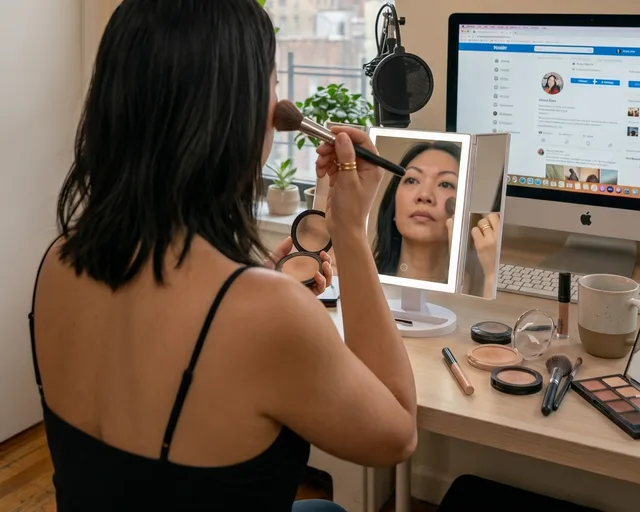
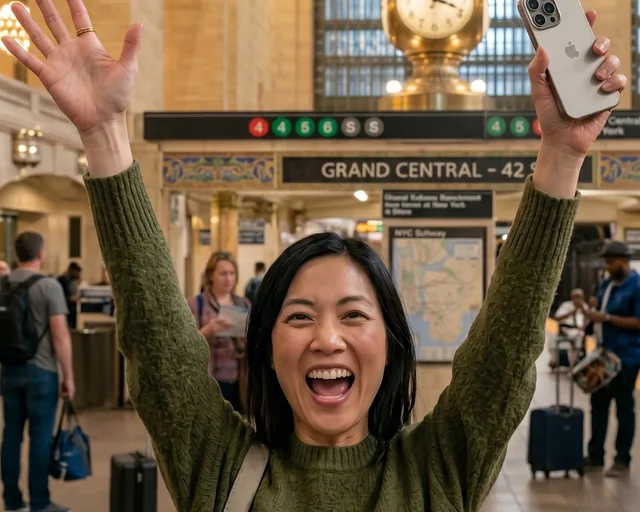
It is not a pixel editor: there are no crop, filter or retouch sliders. AI Studio changes the scene around your subject from a short brief. For a quick crop, your phone's editor is the right tool.
Frequently asked questions
Is this a full photo editor?
No. There are no crop, filter or retouch tools. AI Studio keeps your subject and renders a new scene around it from a short brief.
Whose photos can I use?
Photos you have the rights to: yourself, your products, people who agreed. Impersonating someone, or passing off AI images as real events where that deceives, is against the Acceptable Use Policy.
How many edits do I get?
One run is one generation with four framings. The 3-day trial includes 10, the Week Pass 20, and Pro 100, Power 200 and Studio 1,000 a month. A re-roll uses one from the same budget.
Will the result look like AI?
AI Studio steers toward natural light and real skin and material texture rather than an over-smooth look, but results vary. You review every image before anything is posted.
How much does it cost?
Every plan starts with a 3-day free trial (card required, cancel anytime): Pro $29, Power $49 or Studio $199 a month. Prefer no subscription? A one-time $9.99 Week Pass unlocks Studio-grade features for 7 days. Browsing the daily inspiration feed and drafting are free with an account, no card needed.
Keep exploring
- AI image generator - Five questions in, four image options and a caption out.
- AI social media manager - Ideas, images, captions, scheduling and analytics, with you in charge.
- Content ideas - A daily trend read for your niche, with an image idea to recreate.
- Schedule to Instagram, Pinterest, Facebook
- Plans and pricing - Pro $29, Power $49, Studio $199 a month, each with a 3-day free trial.
- All features